
Turn every walk into a quest.
See what’s nearby. Save the map. Scan when you arrive. Keep every find in one place.
Independent app · No account required · 23 languages



Plan the route. Notice the street.
Choose a cover, save the area before you go, and let each stop reveal a different corner of Japan.
- 1
Catalog
Browse every themed and regional set, generated from the same catalog used by Manhole Quest.
- 2
Before the walk
Download a supported map area, check the official source, and plan for daylight and safe access.
- 3
At the cover
Stay on public paths, scan without blocking traffic, and save progress when the visit is verified.
- 775
- verified cover records
- 470
- Poké Lid references
- 23
- languages
Plan it. Find it. Keep it.
See each step before you go. Pick a cover, set up the map, scan on site, and keep the find.
Select a screen to read its story, then open the full-size preview.
Explore map showing cover locations across Hokkaido.
Every set in the app.
Browse every themed and regional set, generated from the same catalog used by Manhole Quest.
49sets

Poké Lids
470 covers

Gundam
54 covers

Sailor Moon
5 covers
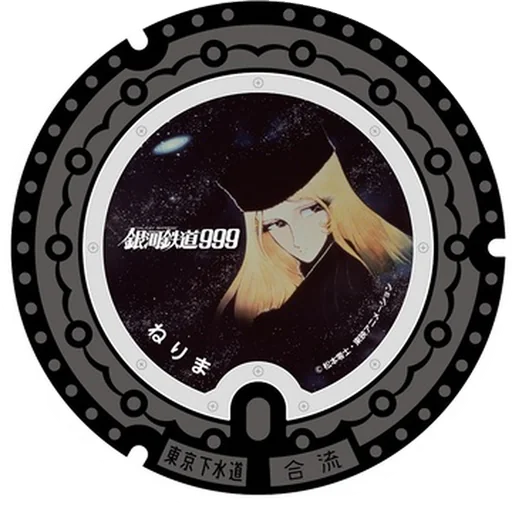
Leiji Matsumoto Works
11 covers

Namisuke
8 covers
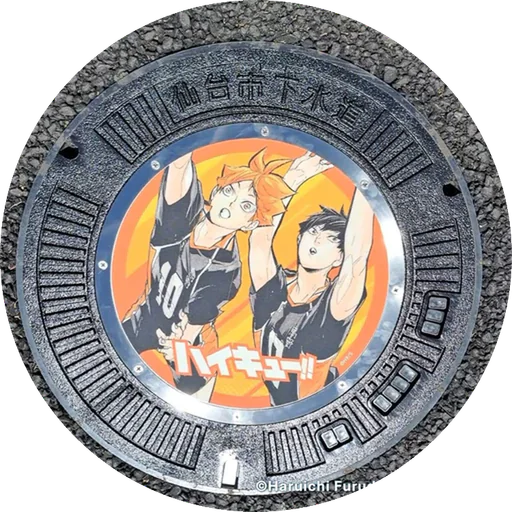
Haikyu!!
4 covers

Astro Boy
3 covers

Hello Kitty
10 covers
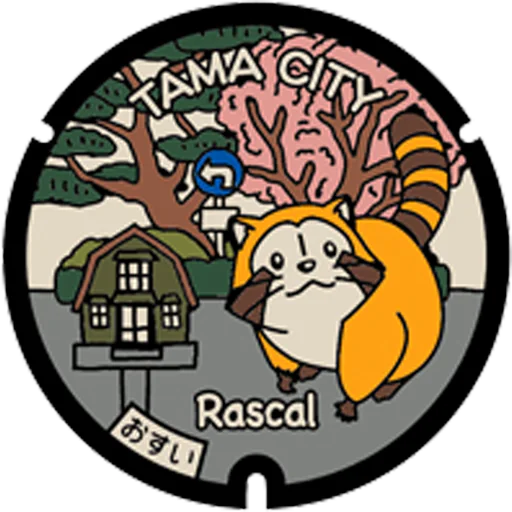
Rascal
5 covers

March Comes in Like a Lion
9 covers
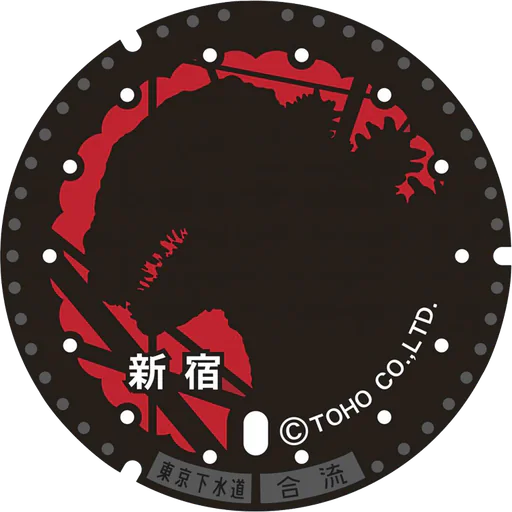
Godzilla
2 covers
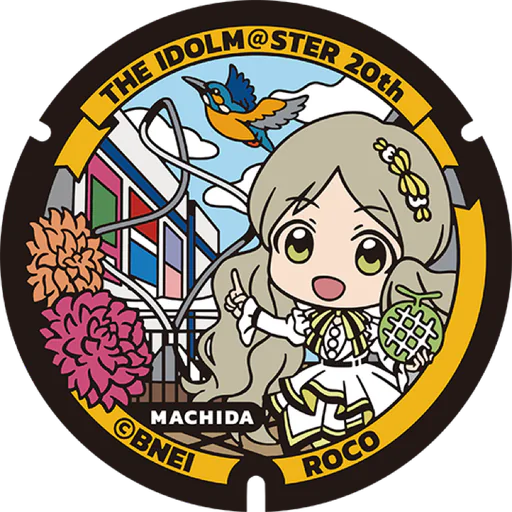
THE IDOLM@STER
9 covers

Adachi Local Icons
10 covers

Morikko San-chan
2 covers

Akishima Whale
2 covers

GeGeGe no Kitaro
6 covers

Kiki's Delivery Service Motif
1 cover

Chihayafuru and Fuchu Icons
13 covers

Hachioji Kuruma Ningyo
1 cover
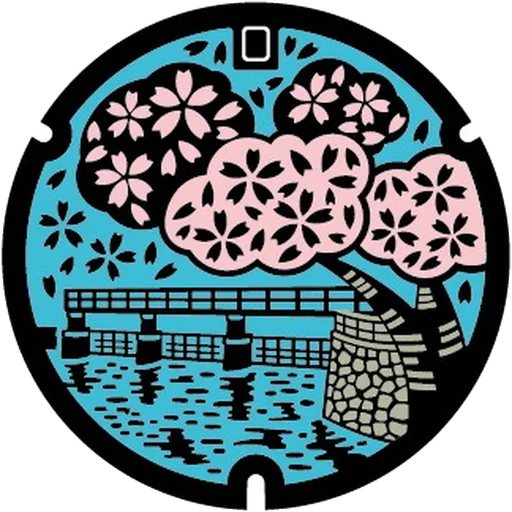
Hamura Local Landscapes
2 covers

Rurume-chan
4 covers
Higasshi
7 covers

Umabee
24 covers

Toshizo Hijikata and Hino
6 covers

Hinohara Village Design
1 cover

Kunio Okawara Mecha Designs
5 covers

Rinrin-chan
5 covers

Katsushika Character Icons
13 covers

Kita Local Icons
5 covers

Kiyose Sunflower Festival
3 covers

FC Tokyo and Kodaira Icons
8 covers
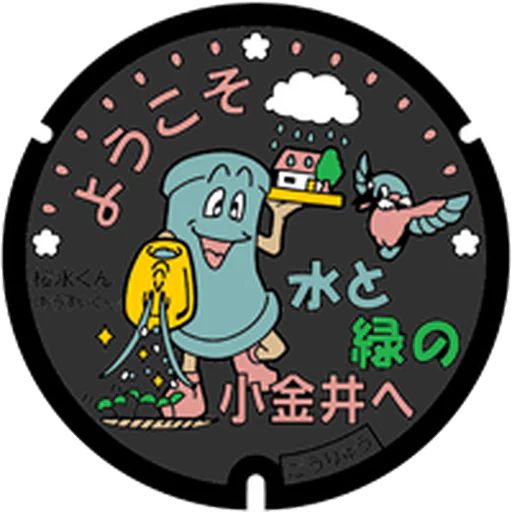
Ousui-kun and Koganei Sakura
2 covers
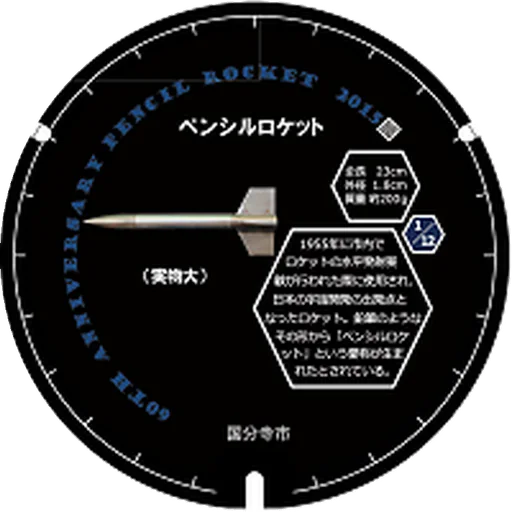
Rocket and Kokubunji History
20 covers

Tamagawa Landscape
1 cover

Old Kunitachi Station and Takury-go
2 covers

Machida Local Designs
2 covers

Poki and Takajo-kun
2 covers

Mizuho Nature Icons
1 cover

Nerima Anime Characters
4 covers

Tokyo 2020 Emblems
5 covers

Yumeume-chan and Ome Icons
2 covers

Hanepyon and Ota Icons
3 covers

Ultraman Series
5 covers

Shinagawa City Art
7 covers

Sumida Culture Icons
4 covers

Kururin
3 covers
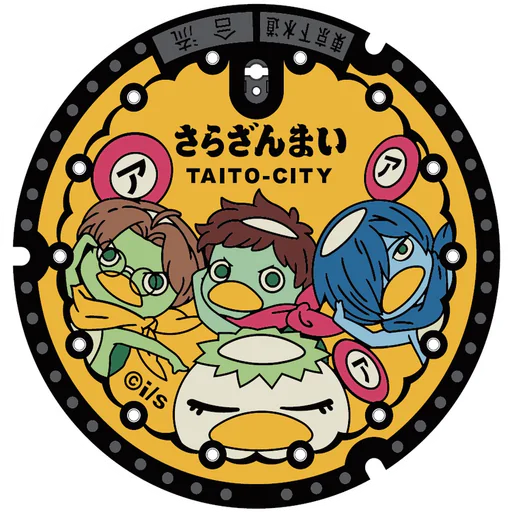
Sarazanmai
1 cover
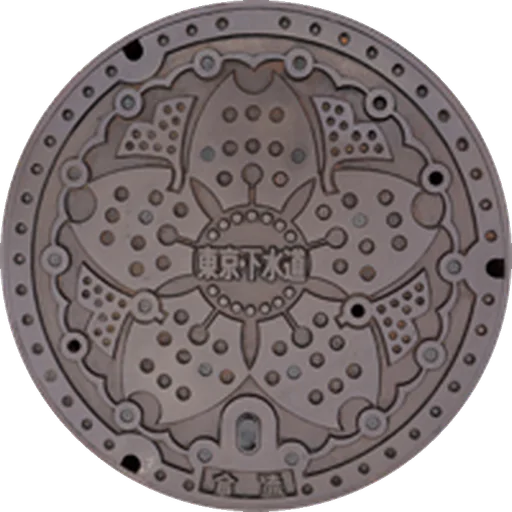
Tokyo Sewerage Designs
6 covers
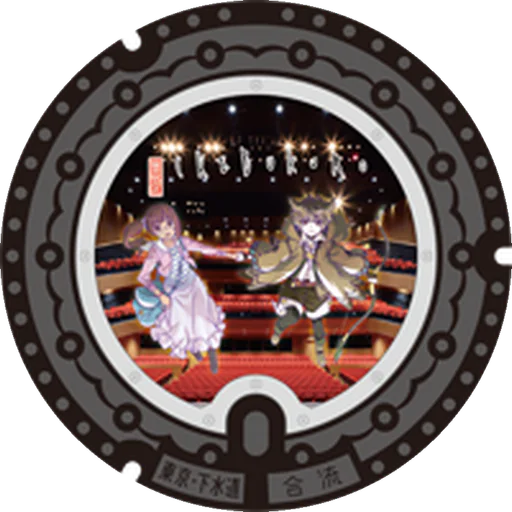
Ikebukuro PR Anime
1 cover
Before the walk · At the cover

Before the walk
Download a supported map area, check the official source, and plan for daylight and safe access.
Yes. Download supported map areas before a trip, while remembering that official websites and live services may still need a connection.
At the cover
Stay on public paths, scan without blocking traffic, and save progress when the visit is verified.
iOS controls camera and location access, and normal recognition runs on your device.

Normal recognition runs on the device. Assisted Scan uploads only after explicit submission and includes a fresh cover photo, precise location, the selected cover, and scan diagnostics.
How on-site scanning and collection progress workMake every collection count.
Optional Game Center turns the progress already in your Album into achievements and collection leaderboards.
 81AchievementsFollow milestones for overall collecting, prefecture completion, Poké Lids, and completed-prefecture goals.Browse every achievement
49LeaderboardsCompare collected-cover totals across Japan, Poké Lids, and each of Japan's 47 prefectures.Browse every leaderboard
81AchievementsFollow milestones for overall collecting, prefecture completion, Poké Lids, and completed-prefecture goals.Browse every achievement
49LeaderboardsCompare collected-cover totals across Japan, Poké Lids, and each of Japan's 47 prefectures.Browse every leaderboard
Game Center uses Apple's system sign-in. It is optional, and the core collection experience still works when it is unavailable.
Walk with context.
Research-backed guides connect the app to the public art, streets, and official sources behind the hunt.
- 01How to find Poké Lids in Japan
- 02How to plan a Tokyo manhole-cover walk
- 03How to plan an offline manhole-cover hunt
- 04How on-site scanning and collection progress work
Your quest stays yours.
Start the main collecting loop without creating an account. Google Analytics stays off until you explicitly allow it.
- No account requiredStart the main collecting loop without creating an account.
- Website analytics are opt-inGoogle Analytics stays off until you explicitly allow it.
- Permissions stay in your controliOS controls camera and location access, and normal recognition runs on your device.