In the field · 2 min read · English
How on-site scanning and collection progress work
See how on-site scanning verifies a visit and saves your progress.

Find it. Scan it. Remember it.
MANHOLE QUEST / FIELD NOTES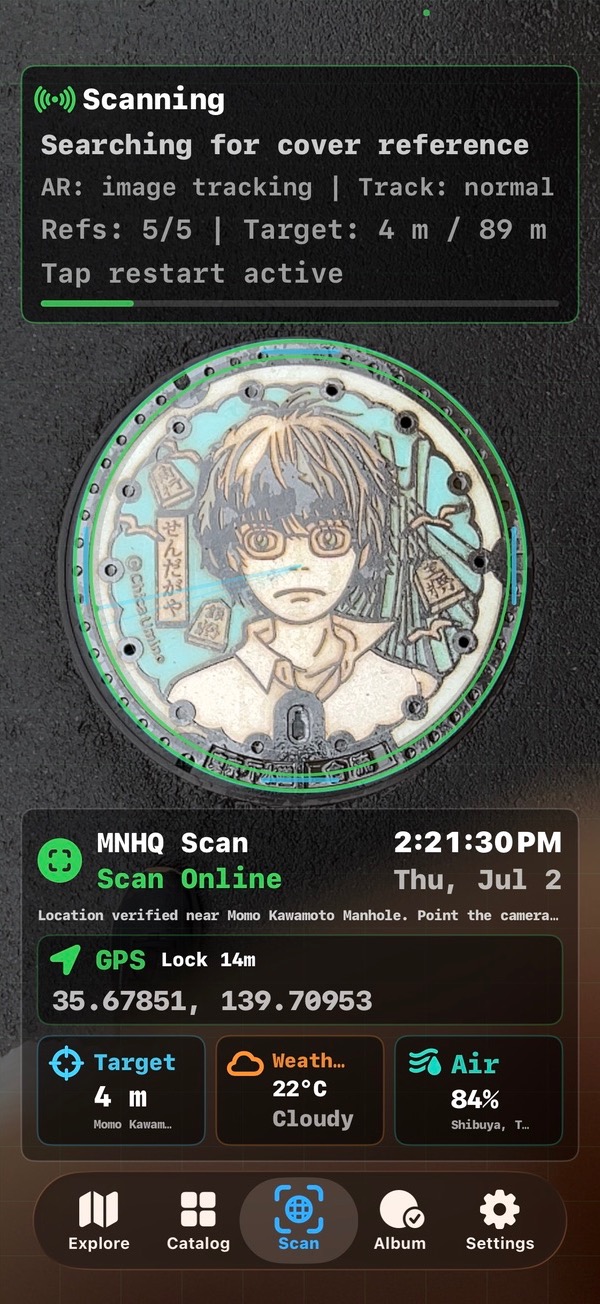
Listen to the guide
Press Listen to play the guide.
Download MP3 · 2.5 MBNormal scanning uses the camera, AR reference recognition, and location context on the device. When a supported cover is verified at the public location, the app records collection progress. Routine camera frames are not uploaded.
Normal recognition stays on the device
The Scan tab prepares reference images for the active collection and uses the camera and AR tracking to look for a supported cover. Location context helps the app check that the visit is close enough to the selected public installation.
Routine camera frames from normal recognition are not uploaded for marketing or remote analysis. Camera and location permissions remain under iOS control.
How to make a scan easier
- Select the cover or collection you are visiting.
- Stand on a public, safe surface and keep the whole cover visible.
- Avoid severe glare, deep shadow, moving feet, and steep angles when possible.
- Hold the device steady long enough for tracking and recognition to settle.
- If recognition fails, check the selected cover and official location before repeating.
What progress records mean
A successful visit updates local collection state, which feeds catalog progress, album summaries, and optional Game Center reporting when the player is authenticated and the feature is enabled. Collection progress is not a municipal check-in or an official proof of ownership.
Installations weather over time. Dirt, fading, water, glare, or a changed surface can make image recognition harder even when the location is correct.
Optional Assisted Scan is a separate choice
After repeated recognition trouble, the app may offer Assisted Scan when that feature is enabled. It does not silently upload the camera feed. Only after the user explicitly submits does the app send a fresh cover photo, precise GPS coordinates and accuracy, the selected cover, and relevant scan diagnostics to the Firebase backend.
The current privacy policy states that Assisted Scan reports and photos are deleted within 90 days unless a shorter period is appropriate or longer retention is legally required. Frame the cover closely and avoid people, faces, license plates, homes, and unrelated private information.
Official and primary sources
Open the current source before travel. These links support the guide; they do not imply affiliation or permission to reproduce official images.
Questions
Does normal scanning upload camera frames?
No. Routine AR recognition runs on the device.
What does Assisted Scan upload?
Only after explicit submission: a fresh cover photo, precise location and accuracy, the selected cover, and scan diagnostics.
Is scanning guaranteed to recognize every visit?
No. Lighting, angle, dirt, fading, tracking, and the selected reference can affect recognition.
Related guides
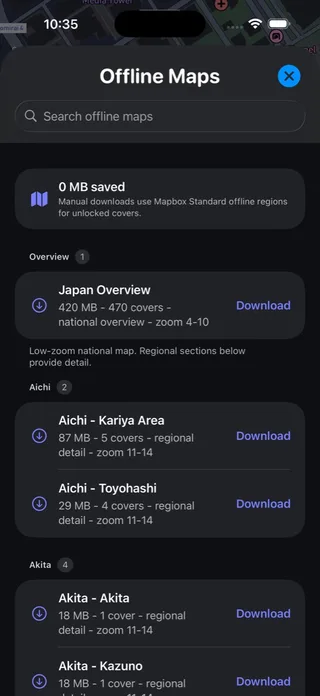
Ready before the signal disappears
Save your map, keep the essentials, and have a smaller backup route.
Read & listen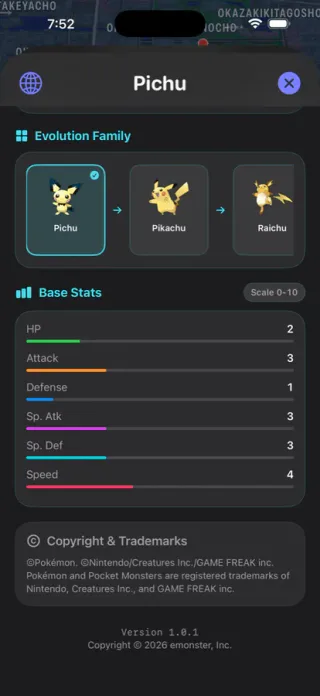
A collection with a story
Choose a place, a theme, or a trip—and give your next walk a direction.
Read & listen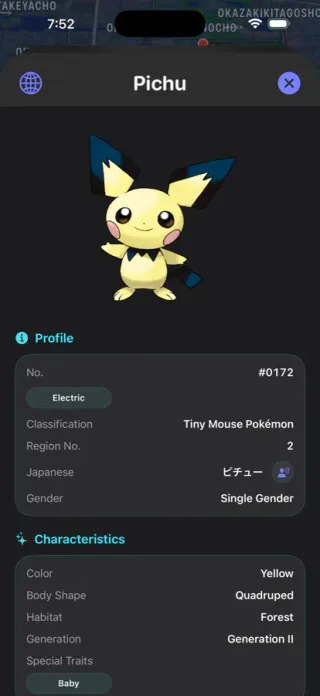
A good guest on every street
Simple habits for safe, respectful collecting in shared public spaces.
Read & listenPlan the route in Manhole Quest
Use the map, official source links, supported offline areas, and on-site scanning to turn the guide into a practical walk.
 Browse all guides